See if it is worth your time
Browse the chapters and choose the parts relevant to you.
WIKITUBE FOR CHROME
Keep learning from the people you follow, without putting the rest of your day on hold.
Checking the extension connection…
Try an exampleExisting articles are free to read. No account needed.
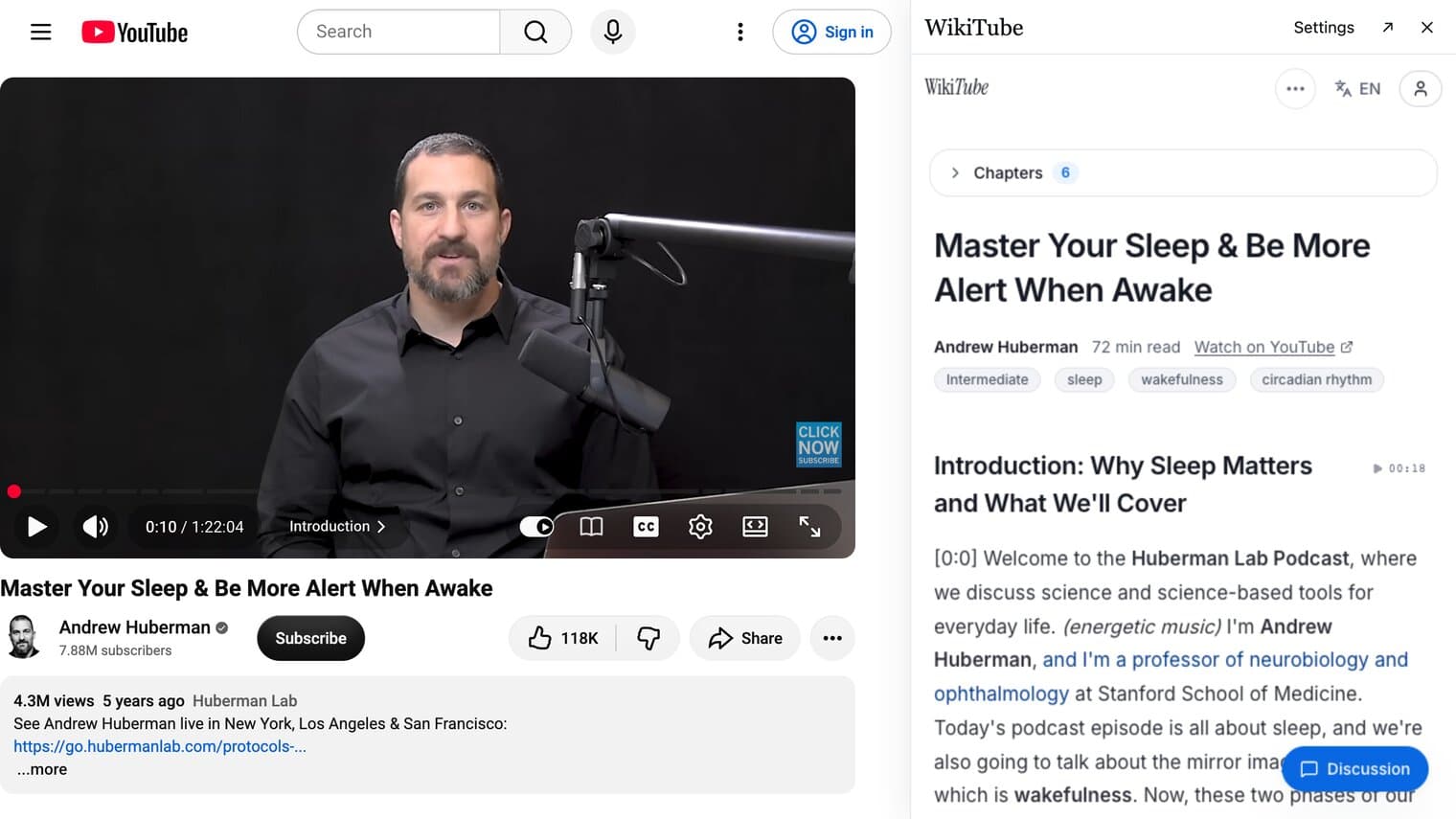
Browse the chapters and choose the parts relevant to you.
Read at your own pace, without waiting for the speaker to reach your topic.
Click a sentence to hear the original and check the context.
START WITH A QUESTION
Find the chapter on adenosine and sleep pressure in Huberman’s long video. Read it, then decide whether to watch.
Find this partThe English article is ready. No sign-in or generation wait.
Click the book beside CC or on a thumbnail. The reader opens beside the video. Choose an overlay or a separate tab, and resize it to suit you. Your preferences are remembered.
Existing articles and examples are free. Sign in with Google to generate up to 5 new articles a day.
Generating an article needs available captions. AI can make mistakes; click a sentence to check the original when it matters.
Refresh YouTube tabs opened before installation. Move your pointer over the player or a thumbnail. Check that WikiTube is enabled and allowed on YouTube in Chrome.
No. The book on YouTube works without pinning. Pin WikiTube in Chrome’s puzzle-piece menu if you want another shortcut.
The extension needs desktop Chrome. Existing articles can still be read on your phone.
Video links, captions and playback position help create articles and connect text to playback. Preferences stay in your browser; anonymous first-use events help us check that it works. Privacy policy
Checking the extension connection…
Try an exampleWikiTube is independent and is not affiliated with YouTube or Google.